
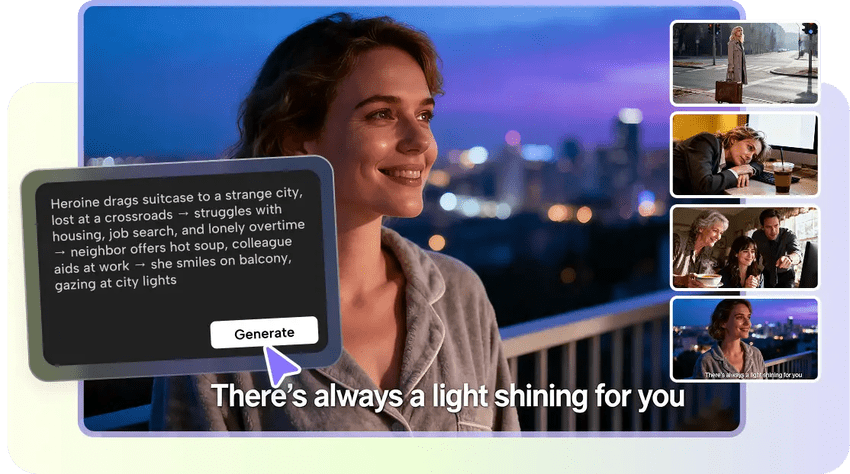
Natural conversation forms the viewer interaction on the digital platform. Defined lines ensure the flow of the scenes with a sense of direction. It is a challenge to many creators to write speech that appears spontaneous and yet organized. Oral communication can be very rigid when written without focusing on tone and flow. CapCut helps creators by providing tools to help shape balanced conversations around video projects. This web-based tool simplifies the process of idea development and sets up lines that facilitate timing, pacing, and emotional rhythm.
Rules of Writing a Smooth and Engaging Video Dialogue
Good dialogue relies on tone, emotion and time. Every line should be corresponding to the mood of the scene and should be clear. The shorter sentences assist in making the characters speak in a natural rhythm. The audience identifies with characters who have a natural and grounded sound.
Authors tend to repeat themselves in a way that makes them sound like robots. Long-winding a point will paralyze the scene. Direct language and purposeful intention are used in smooth dialogue. Scenes are realistic when every character acts with intent. Tone shifts and awkward transition are controlled by emotional cues. CapCut helps creators to form that flow, but it is not restrictive in terms of personal style.
How CapCut’s AI Writer Enhances Dialogue Line by Line
CapCut assists creators in creating drafts of multi-character conversations. Every suggestion is meant to maintain logic between scenes. The emotional cohesion remains when every line flows out of the previous line. The length, tone, or pacing may change according to the input of a creator.
This line-by-line assistance becomes more effective when guided by the built-in AI writer. It facilitates clarity by elaborating ideas into systematic conversation that fits into the time of the scene.
Steps to Create Smooth Video Dialogues with an AI Writer Guiding Each Line
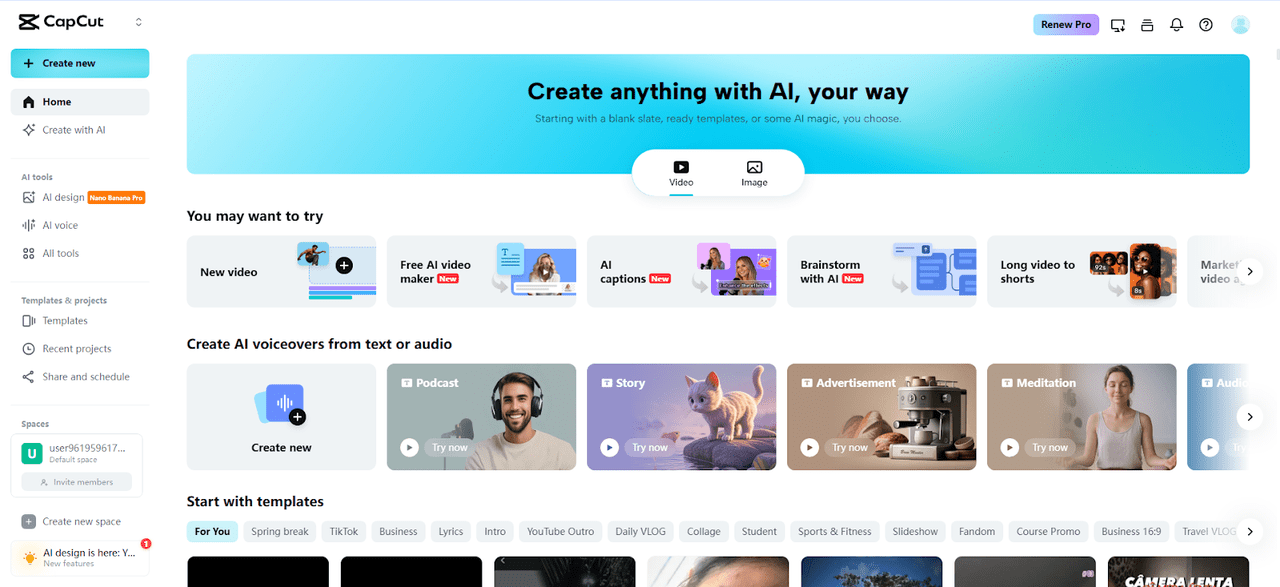
Step 1: Open the Dialogue Builder Start by opening the CapCut online video editor and selecting the "Video" tab from the top menu. Then click on the "Brainstorm with AI" option from the main dashboard. This feature prepares the system to shape clear and natural dialogue flows.
Step 2: Enter Your Conversation Idea
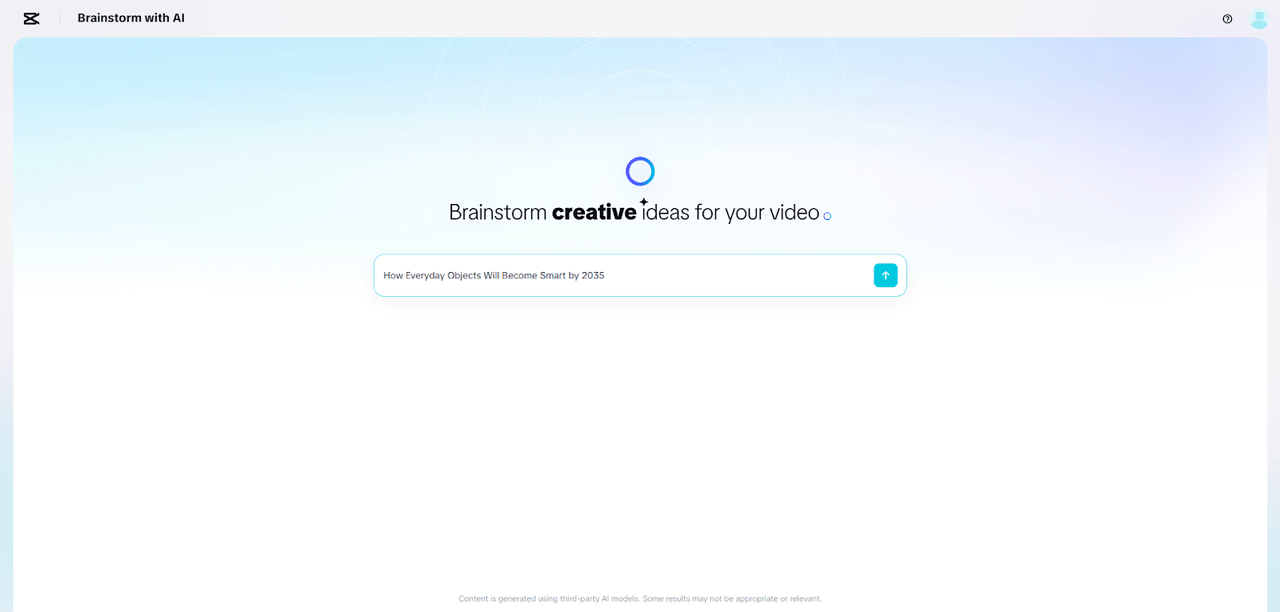
Type your dialogue theme into the prompt box and submit it using the upward arrow icon. CapCut responds with dialogue-based topic suggestions. You can tap the "pin" icon to keep the most relevant angles. Use the "star" icon to expand them into structured dialogue outlines.
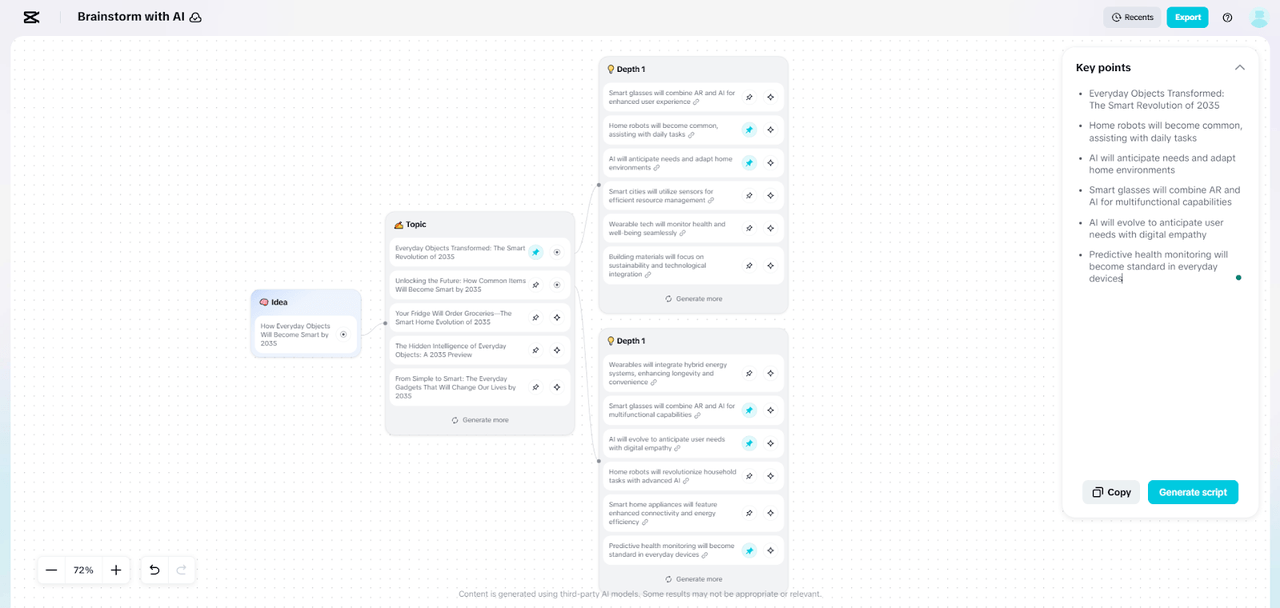
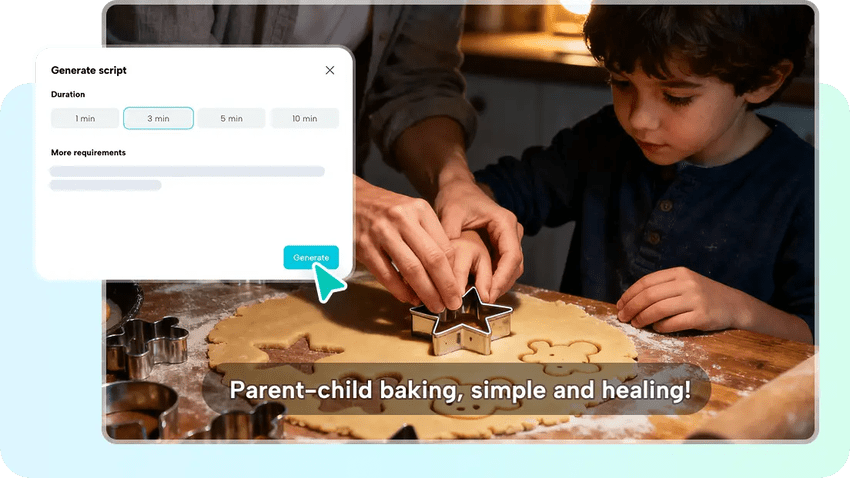
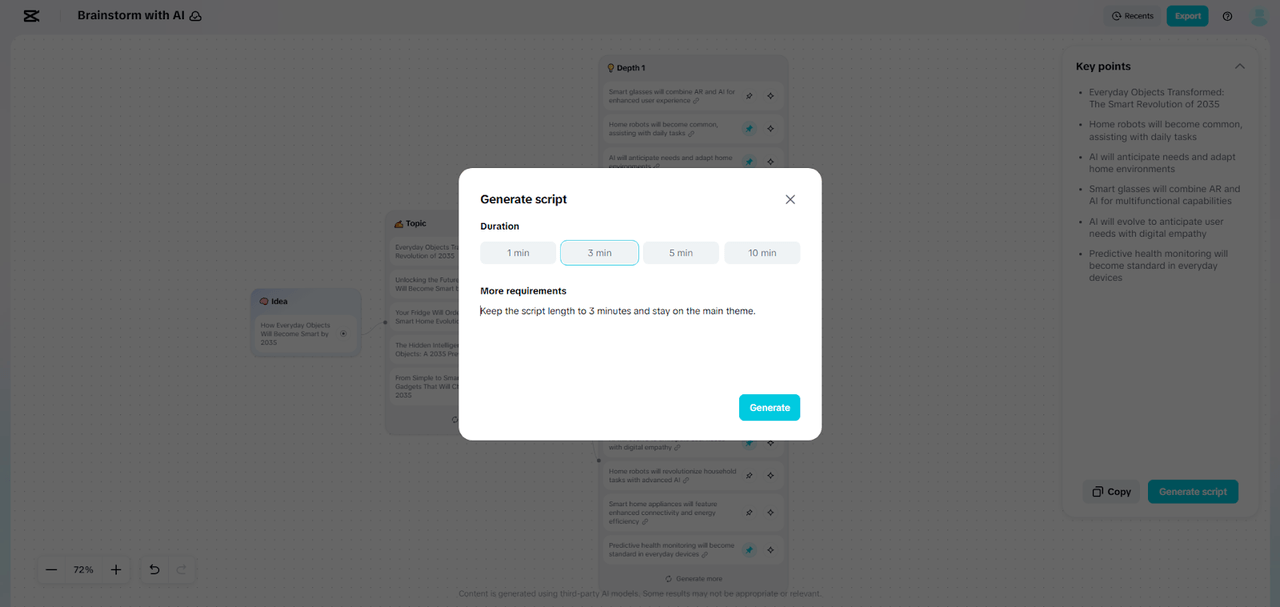
Step 3: Generate the Full Script Once your dialogue topics are set, click the "Generate" button. A pop-up window allows you to define the video duration and add specific guidance if required. Click the "Generate" tab again.
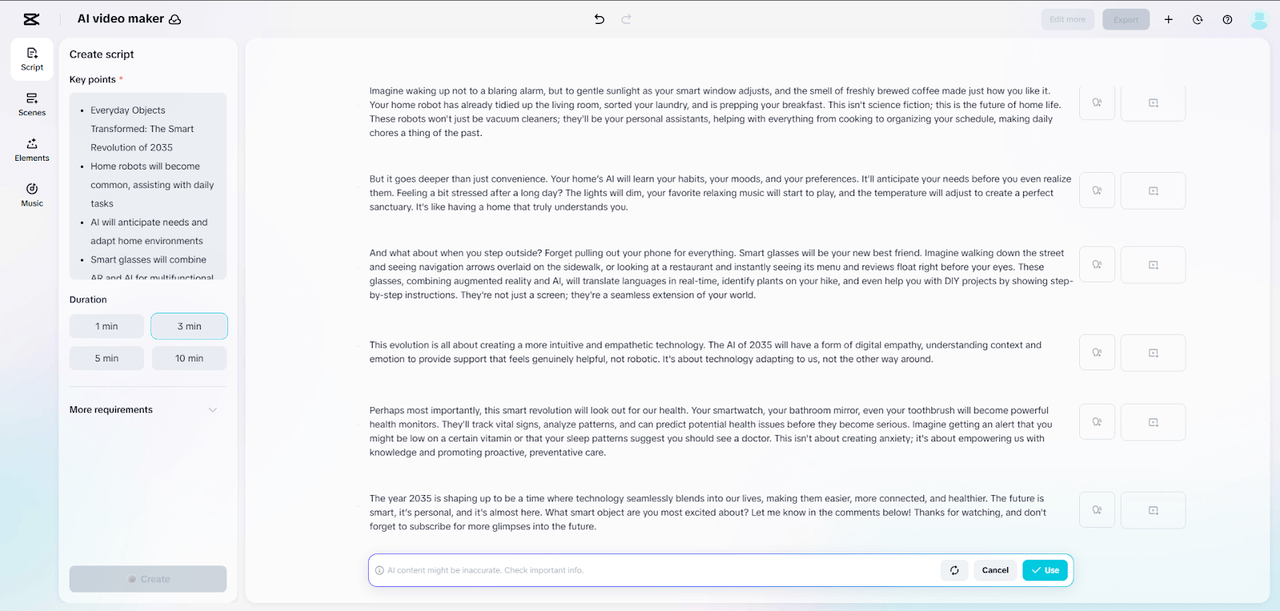
CapCut delivers a complete dialogue script that you can polish or use directly in video production.
Organizing Cohesive Video Conversations
Scene dialogue is based on structure. Every part of a video is best constructed on purpose. Characters do not talk because they are fillers. Maintaining that direction is achieved through framing questions. Emotional signals determine the level of the interaction. CapCut assists in defining line spacing, pacing, and transitions to make scenes seem to belong together.
Tools that form clear visual flow, such as the integrated AI storyboard, make it easier to align dialogue with on-screen motion. This guide helps in the pacing of the words so that every line spoken comes in the right time. Producers perfect emotional subtlety and character tone.
The Use of AI-Generated Dialogue in CapCut
When a script is ready, CapCut will help to translate it into a video. Elements such as script-to-scene converter turn dialogues into visual scenes. It assists in the description of where characters talk, take a break, respond. Every part of the script will be a segment that can be incorporated into a scheduled program.
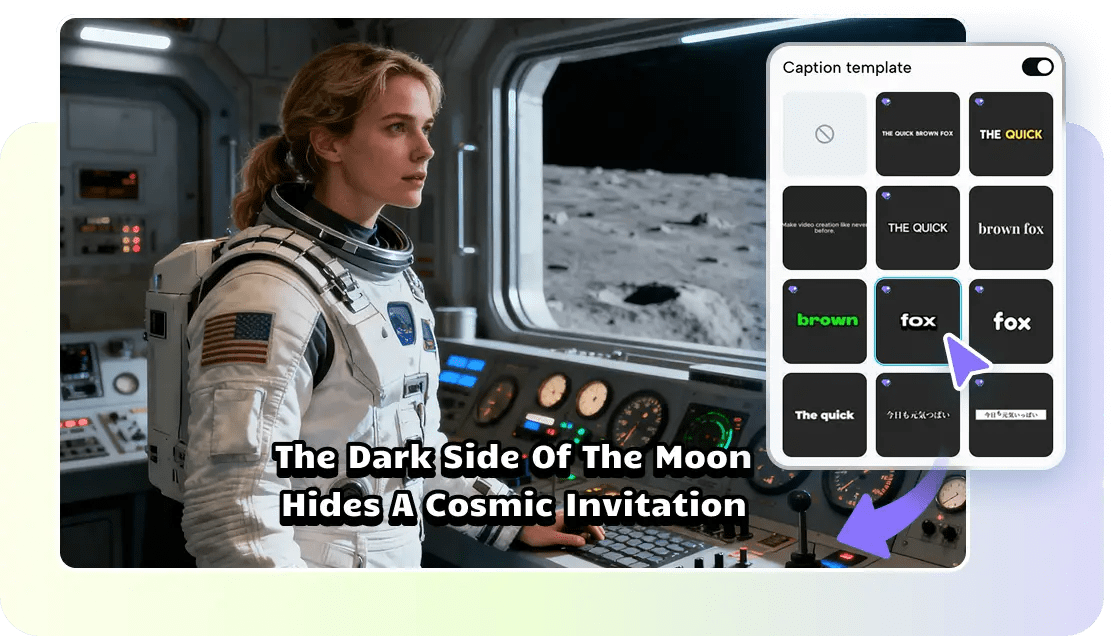
The division of dialogue into time-limited parts maintains the pace. CapCut provides line-matching tools that include transitions, captions, and voiceovers. The presence of coordination between words and images results in an elegant effect. The internal resources of the platform assist in fine-tuning the tone with the help of music, stickers, or sound effects. Creators can also work on devices without interruptions due to cloud-based storage.
Evading Scriptwriting Weaknesses through AI Supervision
A lot of designers have the problem of excessively long lines that disproportionately look unnatural. Protracted discussions may weary the audience and drag scenes. CapCut is used to detect thick areas and readjust them to fit video timing. Another challenge is tone inconsistency. The change of style may disorient the viewers in the event it occurs without any narrative reason. The platform has tools that aid in creating a consistent voice, mood and delivery.
Storytelling is also undermined by flat emotional delivery. When the characters are speaking in a familiar tone, dialogue becomes richer. CapCut assists creators to sustain emotional contrast, through establishing responses that become true in context. The features are conducive to clarity, balance, and flow, which saves the time and resources needed to manually update large portions of the document.
Conclusion
Dialogue determines the quality and attractiveness of any scene. Fluid transitions are conducive to better narration. CapCut serves as a good friend in creating clear, interesting talk that suits every situation. Guided line generation eliminates stress in the scripting process and enables a greater emphasis on creativity. Through idea to end video, this platform assists in a complete cycle according to which dialogue is turned into smooth visual material.


Just for you